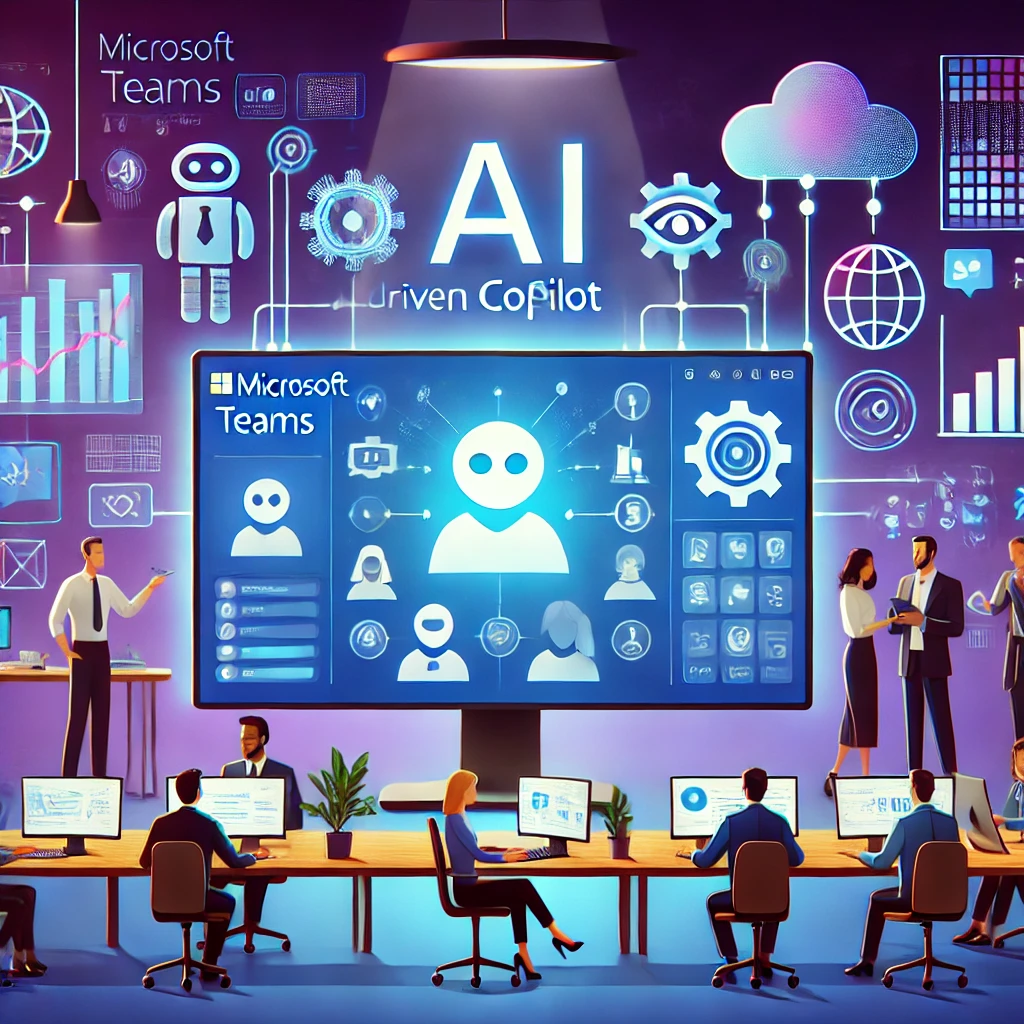
Transforming Collaboration with Microsoft Teams: The Power of AI-Driven Copilot
Microsoft Teams continues to revolutionize the way we work. As a hub for modern workplace collaboration, its integration of AI-powered tools is setting new benchmarks for productivity and innovation. The latest updates to Copilot, Teams’ intelligent assistant, are designed to streamline workflows, enhance communication, and unlock new business potential.
What is Copilot in Microsoft Teams?
Copilot is an AI-powered assistant embedded across Microsoft 365 apps like Teams, Word, Excel, and PowerPoint. Within Teams, Copilot serves as an intelligent agent that assists users by:
Automating processes
Managing tasks
Analyzing data
Delivering real-time insights
By leveraging data and seamlessly integrating across platforms, Copilot delivers actionable recommendations that transform team collaboration.
What’s New in Copilot for Microsoft Teams?
The latest updates to Copilot focus on improving usability, enhancing AI-driven insights, and enabling smarter collaboration. Here are the standout features:
Enhanced Collaboration Tools
Automated Meeting Summaries: Copilot now generates detailed meeting recaps automatically, highlighting key decisions, action items, and discussion points—eliminating the need for manual note-taking.
Intelligent Task Management: By analyzing conversations in real-time, Copilot identifies and assigns tasks, tracks progress, and ensures follow-ups.
Smarter AI Recommendations
Context-Aware Suggestions: Copilot’s enhanced AI can now provide more relevant and precise responses during chats or meetings, ensuring teams stay focused on the task at hand.
Personalized Insights: Over time, Copilot learns team preferences and provides tailored recommendations, such as optimal meeting schedules based on participants' availability.
Specialized AI Agents
A major leap forward is the introduction of Copilot Agents—customizable, task-specific AI assistants.
What Are Copilot Agents?
These agents are designed to handle specialized workflows, focusing on domains like customer support, sales, and project management.
Key Capabilities of Copilot Agents:
Automating Routine Tasks: From managing reports to responding to customer queries, agents streamline day-to-day operations.
Seamless Integration: Agents connect with tools like Dynamics 365, SharePoint, and Outlook, enabling real-time insights and task execution.
Multitasking Efficiency: Agents manage multiple tasks simultaneously, enhancing productivity in areas like customer support or project coordination.
How Copilot Transforms the Workplace
The integration of Copilot into Teams offers several advantages:
Boosted Productivity: Automating routine activities like scheduling and task assignment allows employees to focus on high-value work.
Streamlined Communication: Features like meeting summaries and context-aware suggestions reduce misunderstandings and enhance project coordination.
Improved Decision-Making: With access to real-time insights and trends, teams can make faster, data-driven decisions.
Optimized Workflow Management: Copilot’s automation tools ensure tasks are completed on time and with fewer errors, keeping operations running smoothly.
What’s Next for AI in Microsoft Teams?
As AI technology continues to advance, Microsoft Teams is poised to become even more integral to modern workplaces. Future updates may include deeper integration with external systems, more sophisticated Copilot agents, and advanced features to tackle complex workflows.
Work Smarter with Microsoft Teams
The AI-powered capabilities of Copilot are transforming how businesses operate. By adopting these tools, organizations can gain a competitive edge, improve team collaboration, and unlock new growth opportunities.
Need help navigating the potential of Copilot and Microsoft Teams?
Our experts are ready to guide you. Reach out today to explore how these innovations can redefine your business.
